


In the Credit Reports, click on "Monitor List" to track distributors you've previously reported doing business with semi-annually and monthly. This information is updated in real-time for you to monitor their paying habits accurately.
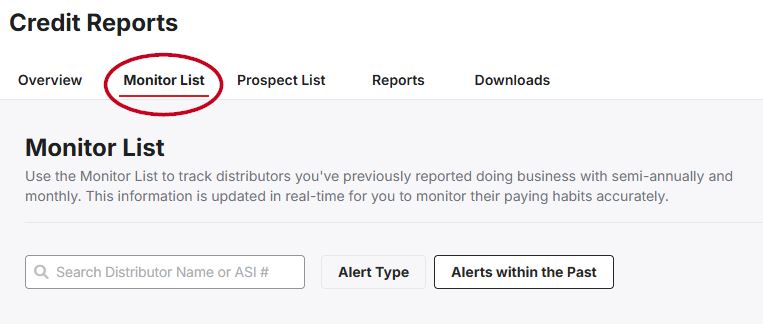
Use the search box to locate a distributor within the list. Additionally, you can filter by:
- Alert Type:
- Write-Off
- Turned Over for Collection
- NSF(Non-Sufficient Funds)
- Past Due Report
- Average Pay Habits
- Notes
- Alerts within the Past:
- 7 days
- 30 days
- 90 days
- 180 days
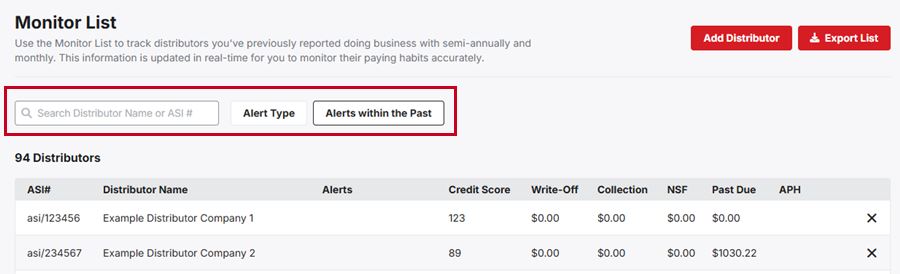
Add a Distributor to the Monitor List
In this section, click on the "Add Distributor" button.

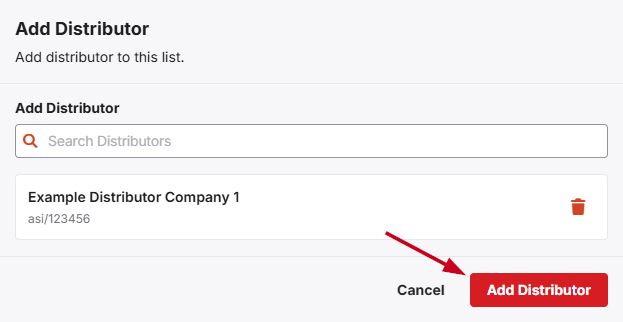
In the "Add Distributor" window, type the ASI number or company name in the "Search Distributors" box. As you type, matching results will appear in the list. Click on the distributor's name to select them. You can repeat this process to add multiple distributors. When you have finished, click on the "Add Distributor" button to include the distributor(s) to the Monitor List.
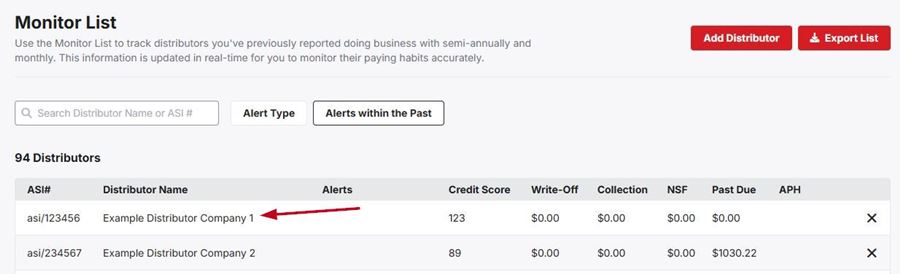
When viewing the distributors on the Monitor List, you can hover on the distributor's ASI number to view quick credit information as well as click on their name to access their profile.
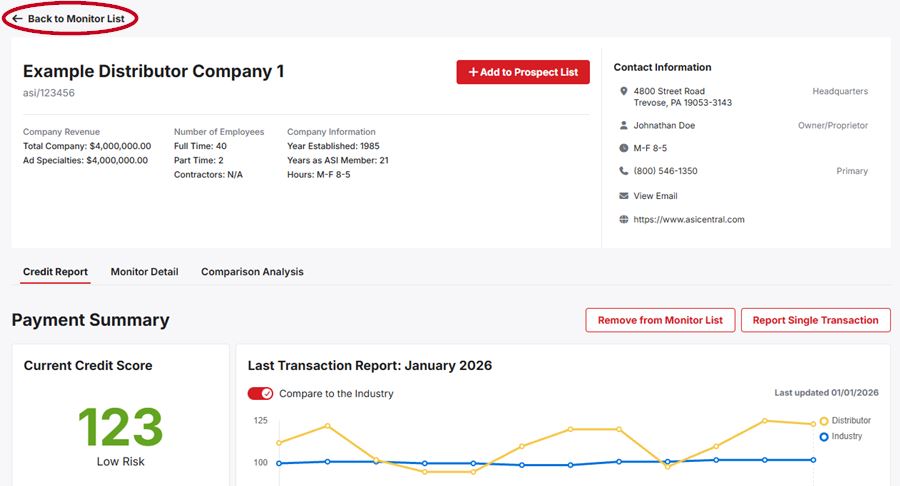
The distributor's profile will contain information about their company such as total company revenue, employees, and contact information. Additionally, you can view their current credit score and report a single transaction. There are also two sections for Monitor Detail and Comparison Analysis.
- Monitor Detail:
View the distributor's average pay habits, as well as any past due transactions, NSF checks, and turn over collections/write-offs. - Comparison Analysis:
Compare the distributor's volume of purchases and pay habits with industry averages.
When you have finished reviewing the distributor's profile, click on the "Back to Monitor List" link.
Export List
Click on the "Export List" button to choose to export the Monitor List as an XLS or PDF doucment.
