


ESP Updates defaults your pricing to "Use Single Price Grid". You can select the Use Multiple Price Grids when your product has multiple attributes (sizes, colors, materials, etc.) that require their own pricing grids. To add product pricing in a single price grid format, go to the Pricing tab and select "Use Single Price Grid".
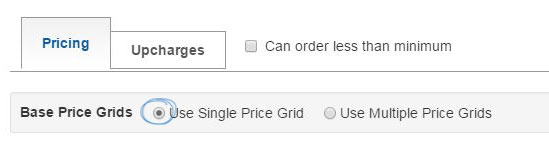
By entering a single price grid, you are indicating that all of the attributes (sizes, imprinting, etc.) for this product are based on one price. To enter the quantities and pricing for this product, there are two basic rules:
- Quantities must go from lowest to highest.
- List Prices and Net Costs must go from highest to lowest
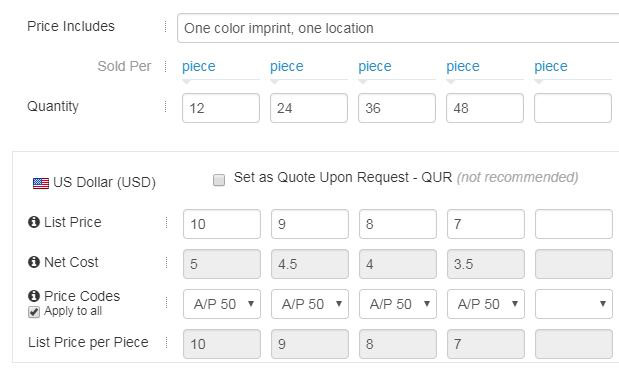
Use the Price Codes dropdown to select the discount code. The system will then calculate the net cost automatically. If the same price code applies to all the quantities in this price grid, check the Apply to All checkbox.
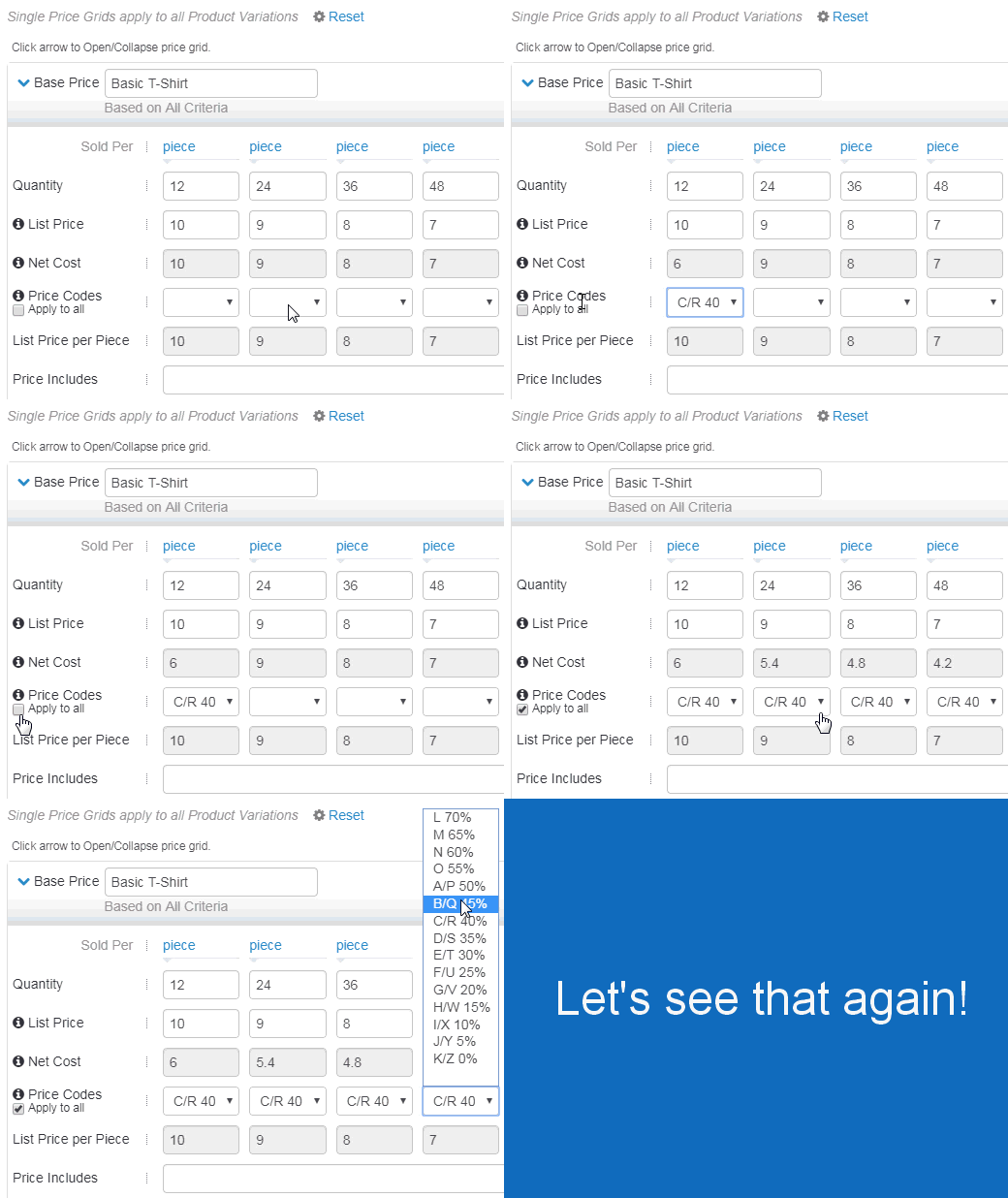
The List Price per Piece will be automatically calculated based on the sold per unit.
In the Price Includes box, indicate what is included in the base prices. For example, if the base price includes a one color, one location imprint, type “1 color, one location imprint” in the Price Includes field.
