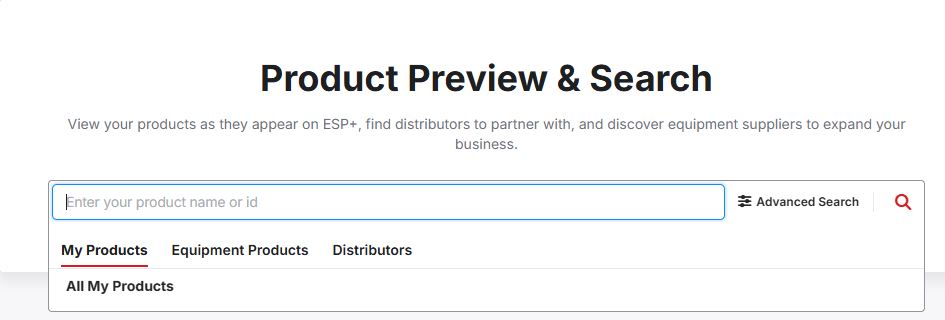
The quick search enables you to locate products, equipment, and distributors by clicking on the desired section.
To search and review your products as distributors see them in ESP+, use the search box to enter keywords, phrases, or product numbers to locate items. Type your terms and hit "Enter" on your keyboard or click on the magnifying glass icon. The quick search also enables you to quickly look up the credit report information for a distributor, depending on your licensing, by entering their company name or ASI number.
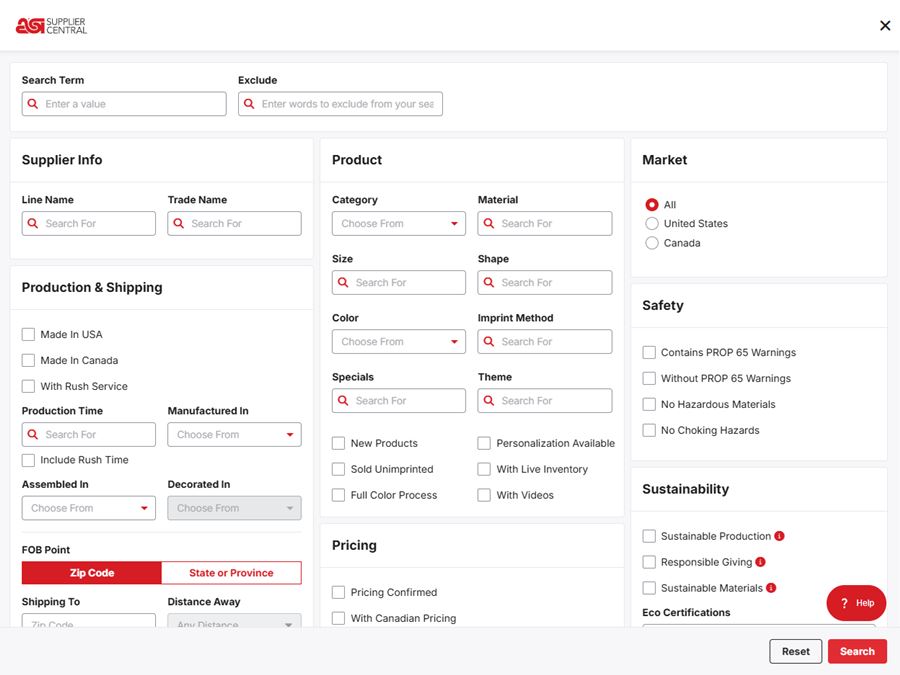
Advanced Search
You can refine your search by using the options available in the Advanced Search. Click on the "Show Advanced Search" link to view all available fields. When you are finished entering information in the desired sections, click on the "Search" button. To clear the search filters, click on the "Reset" button.