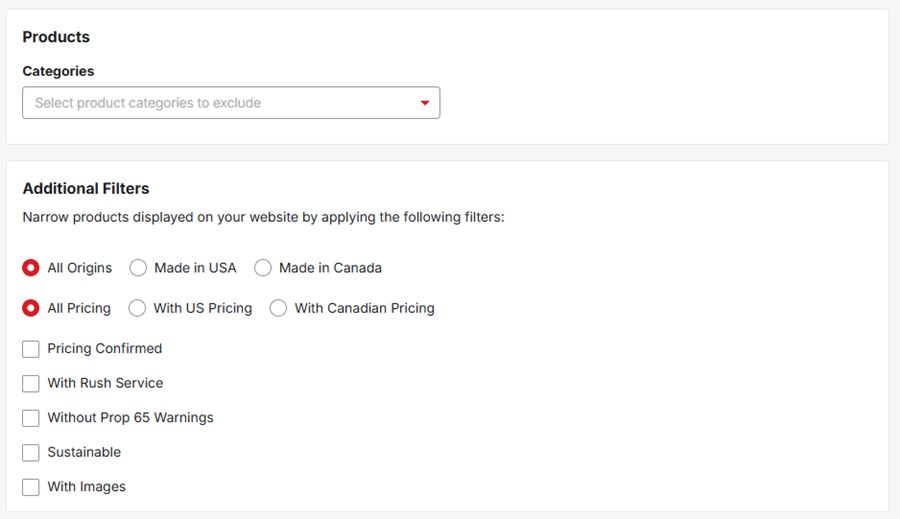
The "Products" area enables you to select the fields that will be displayed for items on your website. There are several options available for managing products on your site:
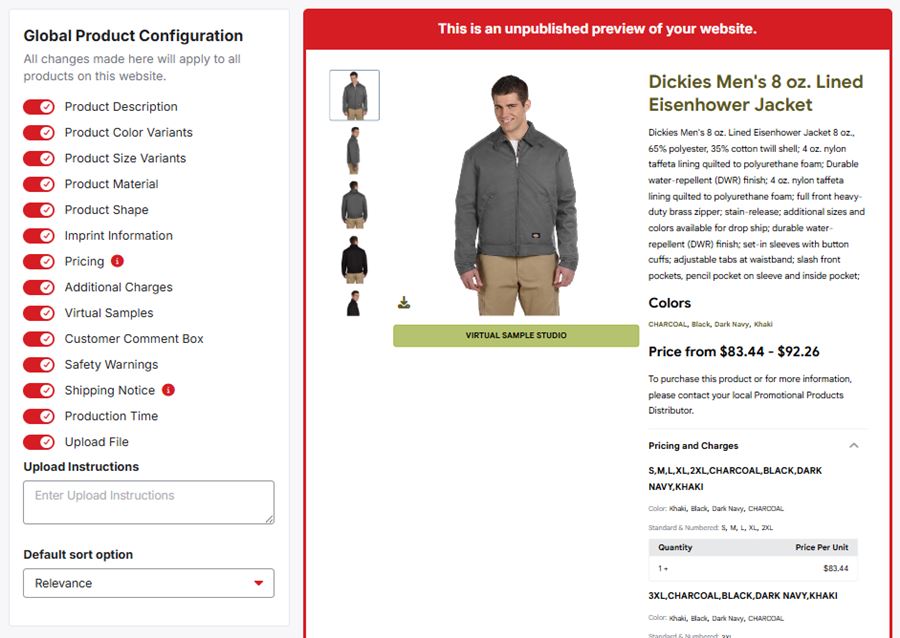
Global Product Configuration
This area provides the option to allow customers to purchase quantities below the lowest quantity price break set by your computer (the supplier) by enabling this toggle.

In this section, each product field will be visible with a toggle. These toggles determine whether that specific field should be visible for all products on your site. As you make selections, the live preview on the right will be updated. You can also enter upload instructions and set the default sort option.
Global Product Filters
The "Products" section enables you to exclude results from specific product categories from displaying on your site. Use the drop-down and search bar to locate the category you would like to exclude. Then, click on it. The excluded category will be displayed below the dropdown. Click on the "X" to remove the exclusion. You can exclude up to five categories.
Below the category exclusion drop-down, you are able to narrow the products on your website by selecting from the "Additional Filters" section.