


To access the Supplier Order Portal, click on Orders from the main toolbar.
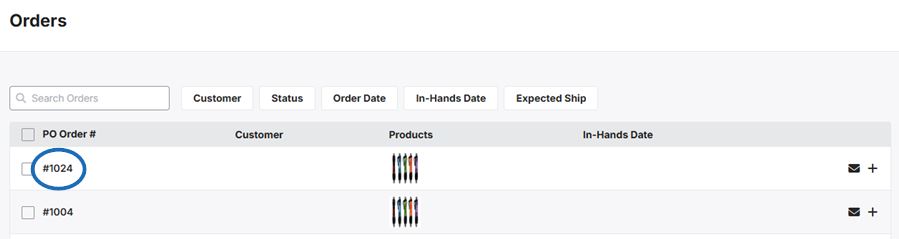
Each purchase order will be displayed with the PO Order Number, Distributor, Credit score, Product, In-Hands Date, and order total. There is also a 3-dot icon with the following options:
- Add Internal Order Record
- Submit Transaction
- Contact Distributor
- Request Rating
Click on the Purchase Order Number to open the PDF preview in a new tab.
The preview can be be downloaded or printed.
